Record at your own pace
Start, pause, and resume when you need to. Follow the timer and audio level, then save M4A audio with a choice of three recording quality settings.
VOICEEVER FOR IPHONE & IPAD
Capture a passing idea or rehearse something worth saying. VoiceEver brings recording, your own backing music, and script reference into one quiet place.
A thought. A story.
Start with your voice.
01 / MADE FOR EXPRESSION
Keep a voice note, rehearse a reading, or add your own backing track.
Start, pause, and resume when you need to. Follow the timer and audio level, then save M4A audio with a choice of three recording quality settings.
Choose your own backing audio from Files. Type or import text, or refer to script photos. Connect headphones to turn on live monitoring manually.
Search, rename, and play your local recordings. Share through the system share sheet or save a copy to Files whenever you choose.
02 / A LOOK INSIDE
Actual app screens, shown with sample text and audio files.
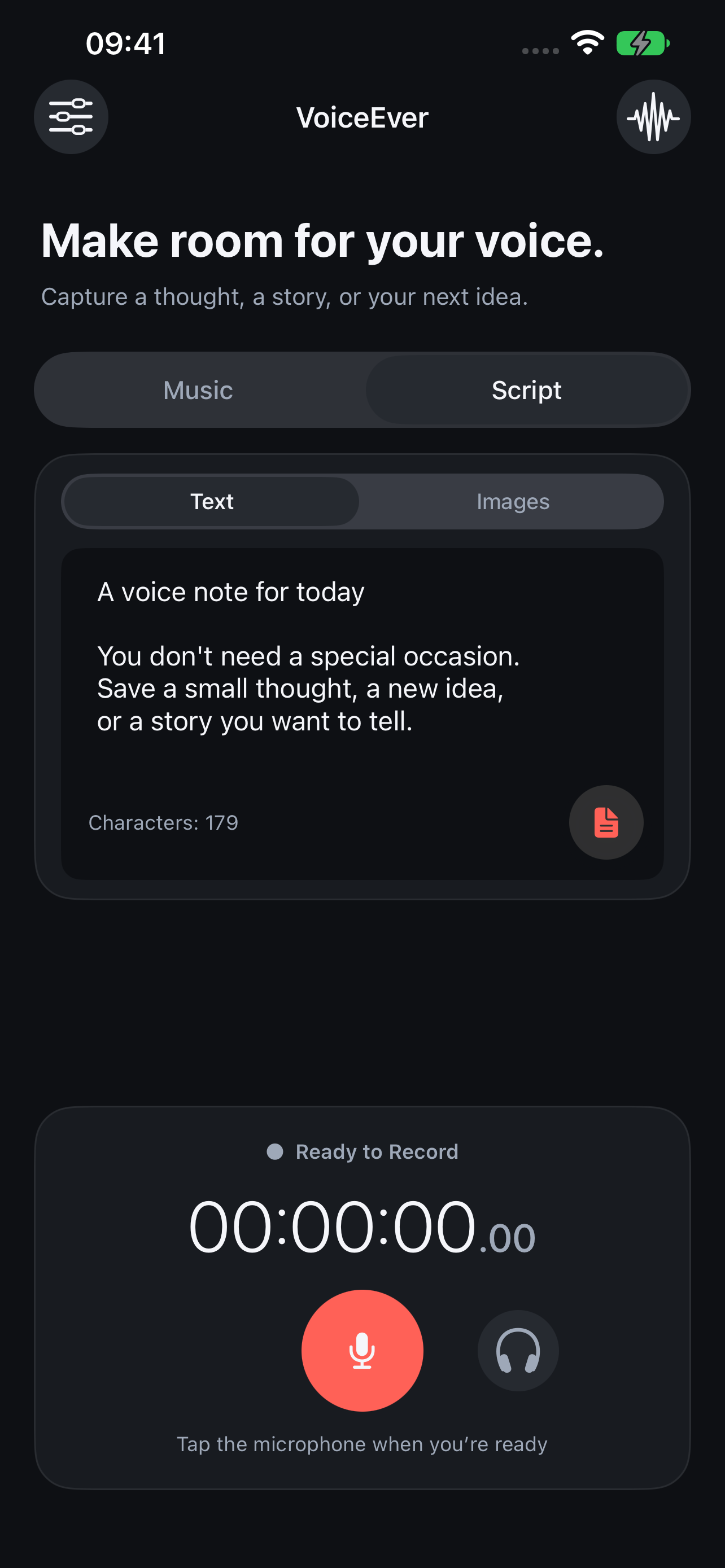
Use text or images as a reference while recording.
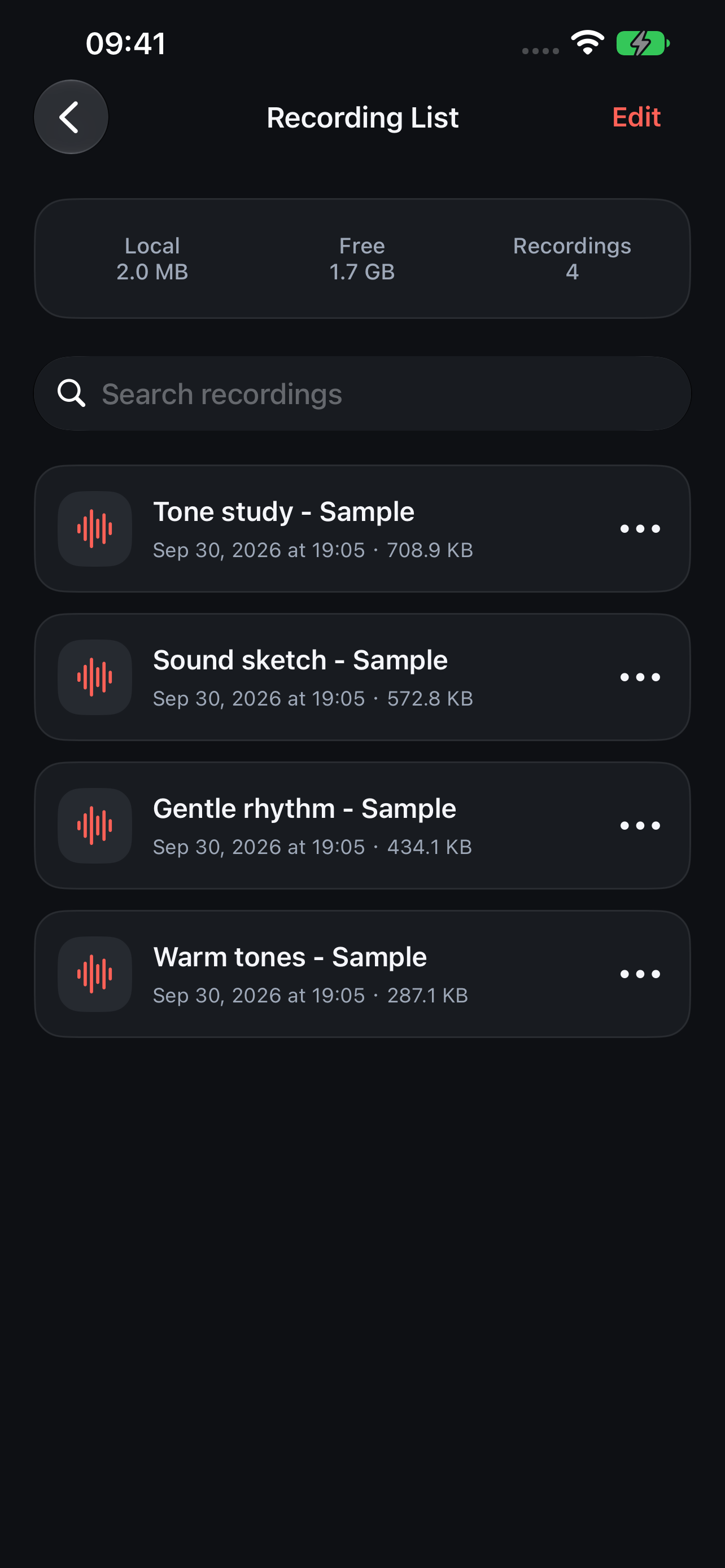
Search and organize recordings in your local library.
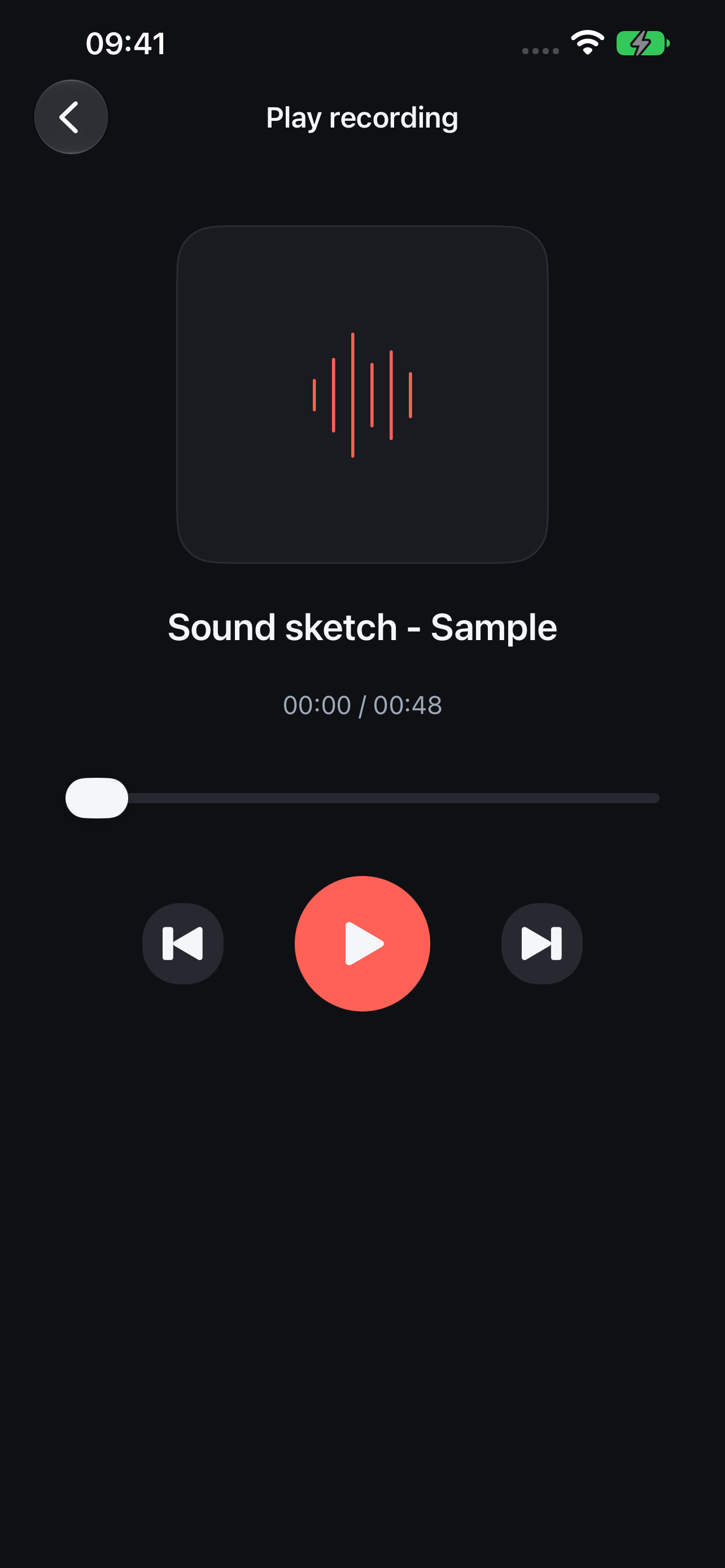
Play your recording and hear what you have just made.
Record straight away, or choose music and prepare a script.
Allow microphone access and begin. Pause and resume as needed.
Tap the checkmark, then find your recording in the list to listen or share.
LOCAL FIRST
Recording and mixing happen on your device. The app does not automatically upload your content to developer servers. No account, ads, or in-app purchases.
Sharing, iOS backups, and cloud file providers handle content according to your actions and settings. Export your own backups of important recordings.